Timezone
Websites can map IP addresses to actual geographic locations, including country, city, or even more specific locations. After obtaining the geographic location, websites can use this information to determine the time zone.
Steps:
- Click the Create Browser button on the main client interface.
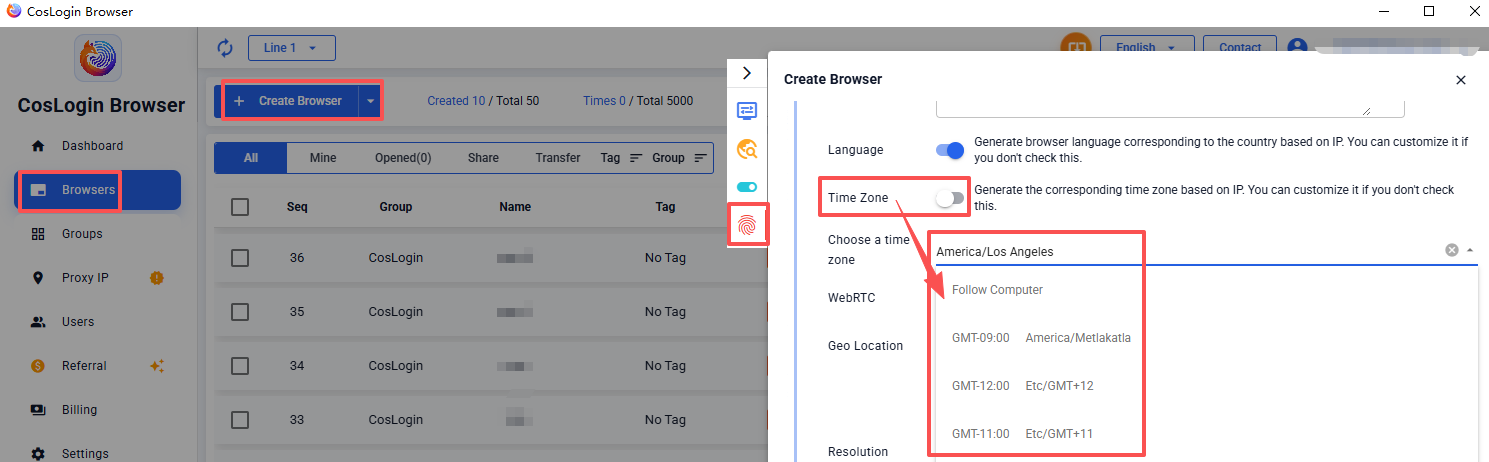
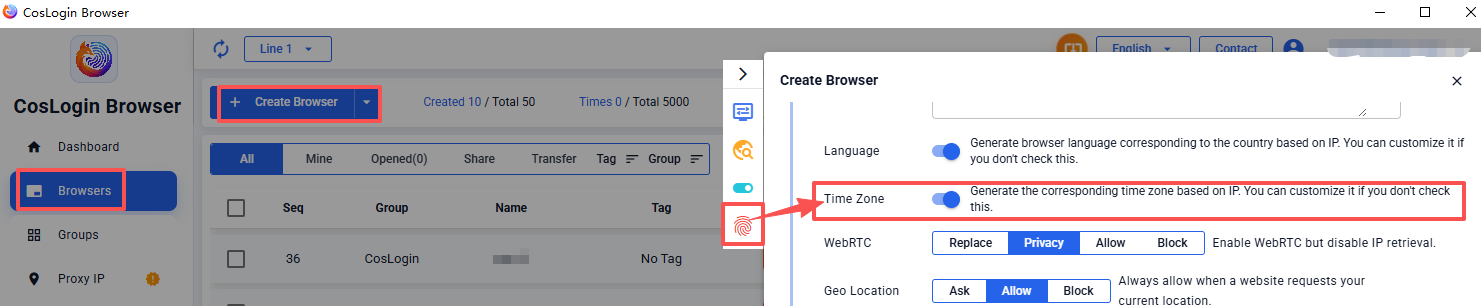
- In the profile configuration panel > Fingerprint > Time Zone.
2.1 Enable "Generate time zone based on IP", and the system will automatically match the browser's time zone according to the IP's country.
2.2 Disable this feature to manually select a time zone. For example:
- Set to Follow computer, the browser time zone will be consistent with the local computer's time zone;- Set to GMT-8 America/Los Angeles, the browser time zone will become the America/Los Angeles time zone.Note:
Please match your time zone with your proxy IP time zone.